GLOBALBACK®
So that lost things don’t stay lost & more
So that lost things don’t stay lost
& more
& more
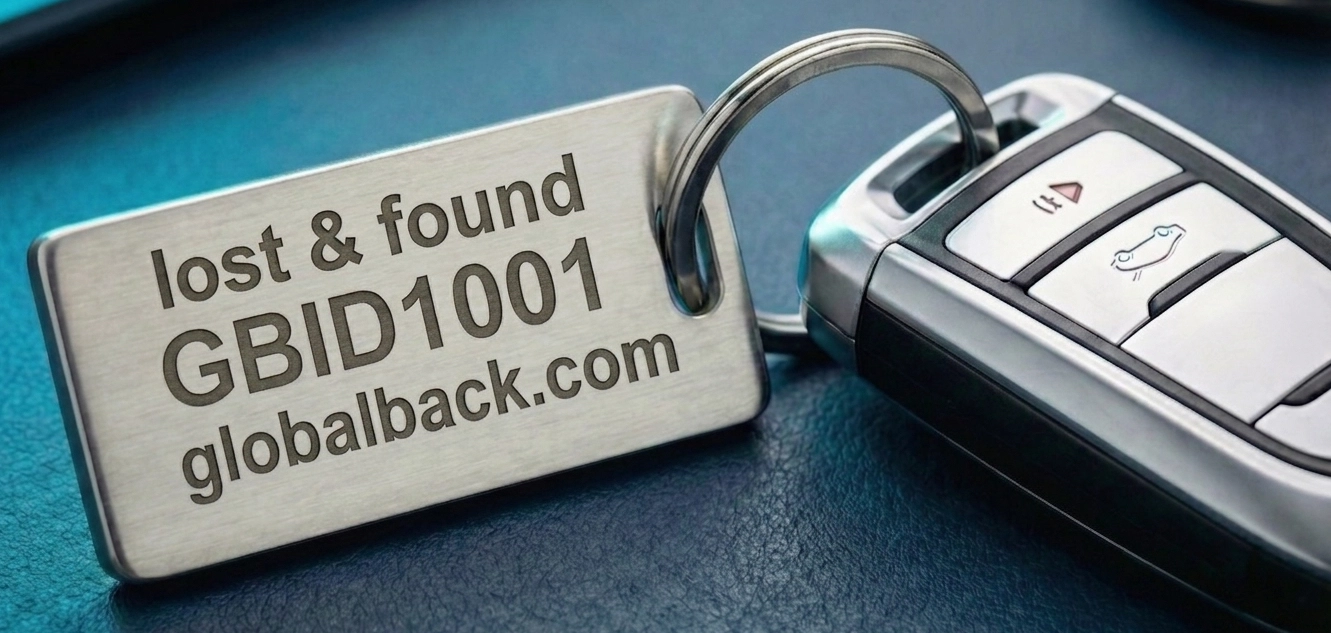
This page shows you step by step what matters when marking your belongings – from the right notation and the QR code to the many ways of applying your GBID: free and digital, made cheaply yourself or conveniently bought ready-made.
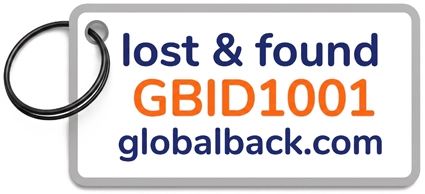
A GBID on its own – say just “GBID1001” – tells a finder nothing. They are missing the crucial detail: where should they enter the number? So never give your GBID on its own, but always together with the matching web address. That way every finder knows immediately what to do.
Our recommendation: these three lines as your standard. The addition lost & found is understood internationally and makes the purpose clear at a glance – the GBID states your personal identifier, the address leads the finder straight to the goal.
Simply use your own GBID in place of the example number GBID1001.
Besides .com, further endings are available to you. They all lead to the same place – simply choose the one that suits you.
If your belongings mostly stay close to home, a familiar regional ending can feel natural. If you travel a lot, the internationally common .com is a good choice. The decision is entirely yours.
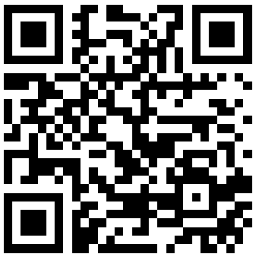
The QR code is the fast route: one scan with a smartphone and the finder lands straight at your GBID.
The readable text is the reliable backup: it still works even if the code gets scratched or dirty, or if the finder prefers to type it in by hand.
Best of all, combine the two – then your item can be reached in every way. You can create the matching QR code for your own GBID in seconds with our QR generator and then save it as a PNG file.
Put your labels together in the size you want – with GBID, address, optionally a QR code and the words „lost & found“. You get an A4 sheet with cutting lines to print out and cut up. Everything is calculated in your browser, no data is transferred.
From a free lock screen to a ready-engraved tag: there is a fitting way for every taste and every budget.
The quickest way costs you nothing: set your GBID and address as the lock screen. Whoever finds the device and turns it on sees straight away how to reach you.
With little effort and a small budget you can mark almost anything yourself – entirely to your taste:
For stickers, cards and business cards you can create the matching print template yourself – in the size you want, with cutting lines.
You would rather not handle it yourself? In shops and online you will find a ready-made solution for almost any purpose:
Visible and also hidden. A clearly visible marking on the outside invites a quick scan. In addition, place a small card inside your bag, suitcase or case – in case the outer marking ever comes off.
One GBID is enough for everything. You do not need a separate number for each item. Simply mark your keys, laptop, camera and luggage with one and the same GBID.
Outdoors, think about the material. Anything exposed to wind and weather – on a bike or luggage, say – is best marked with weather- and UV-resistant material, so that code and text stay legible for the long term.
Through the GBID login you reach your personal GBID dashboard. There you can see how long your GBID is still valid, optionally store, change or delete a phone number, and update your email address.
Access is deliberately handled without a password – for your security: at the GBID login you enter your GBID and your email address and receive an email. You confirm access via the link in it and are then in your dashboard.